

Models • Tools • Generators
3D Forge · Scene-building guide
From one building to a village.
Three ways to arrange the Cozy Medieval collection. Start with a few Hearthwick buildings, choose the shape of your scene, then add the details that make it feel like a place.
The images below are actual renders of arrangements using the existing models. Packs are sold separately. Layout and path geometry shown for presentation is not included in the individual packs.
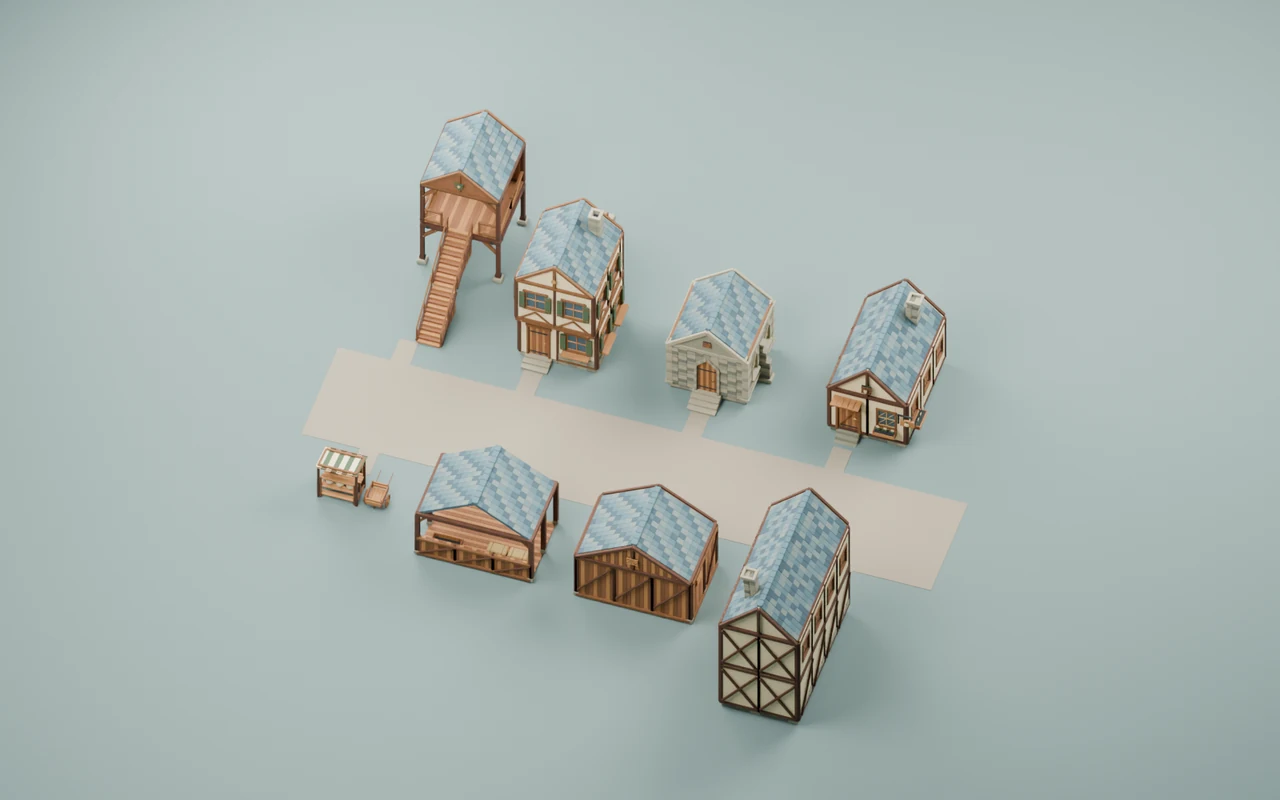
01 / A village street
Start small. Give the street a rhythm.
Begin with Modular Medieval Starter for a cottage, shop and tavern. Alternate the building fronts rather than repeating one outline. Add Jettied Townhouses & Shopfronts when you want taller silhouettes and projecting upper floors.
- Leave a clear route between the buildings before adding props.
- Turn a building slightly or set it back to break up a rigid row.
- Use Market Stalls to bring one busy corner to life.
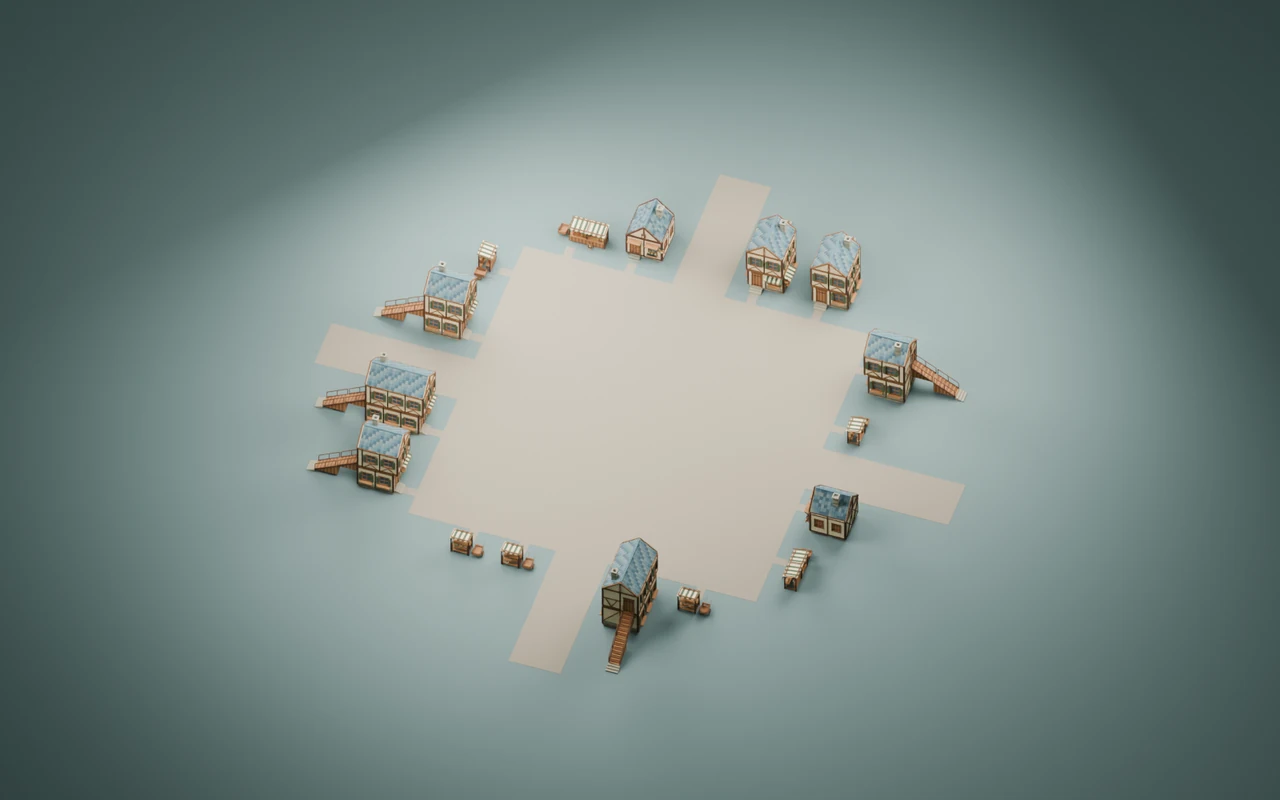
02 / A market square
Leave room for the village to gather.
Use the open space as your starting point. Arrange shops around its edges, then place Market Stalls in small groups so there is still room to move through the square.
- Keep more than one approach open.
- Use Stone Chapel & Belfry as a landmark at one edge.
- Place Blacksmith Workshop just off the busiest route for a separate work area.
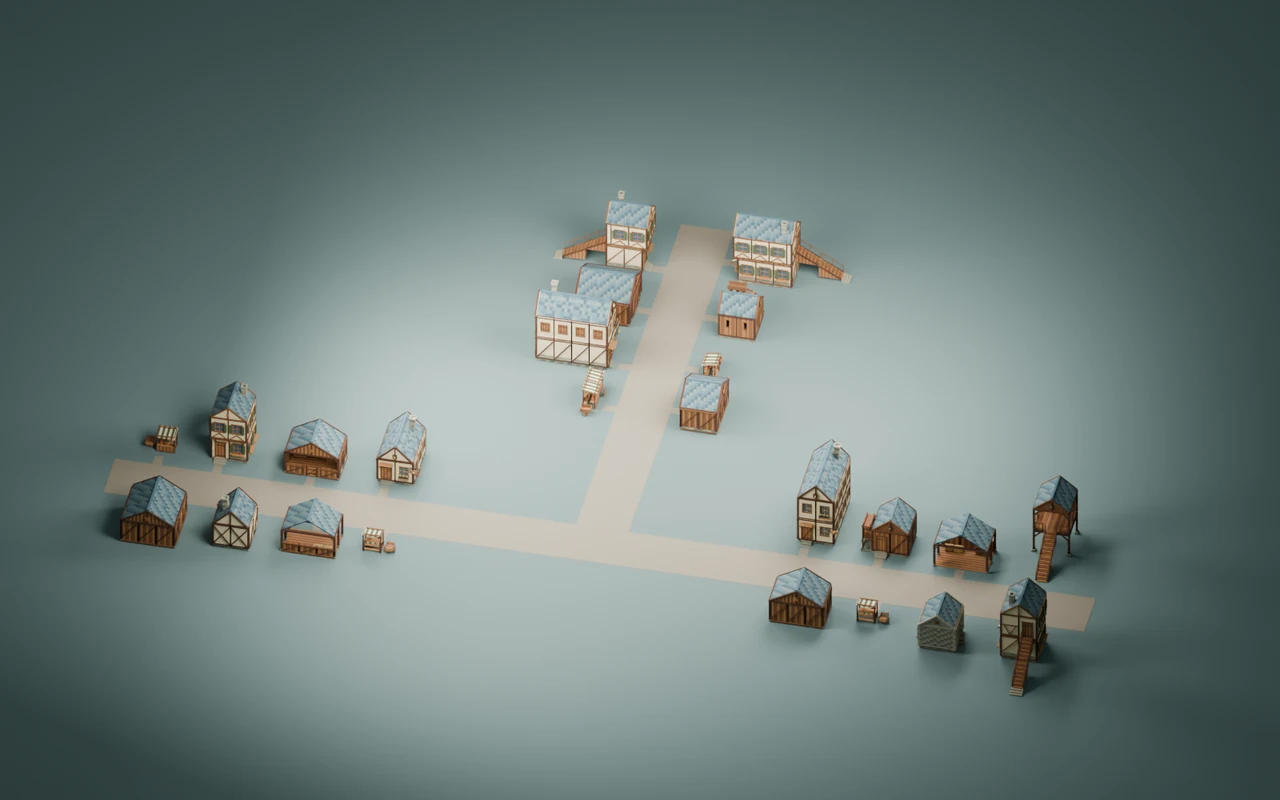
03 / A branching village
Build neighbourhoods around a junction.
Let three routes meet, then give each branch a different purpose: shops, homes and a farmyard. Add Barn & Stable toward the outskirts and Watchtower & Gatehouse at an entrance.
- Use the Watermill beside a water route you create in your own scene. Its paddle wheel is static.
- Vary the gaps between buildings, keeping the main routes legible.
- Build and check one branch before expanding the next.
Before you assemble your scene
Check the fit of each system
The packs share a palette and metre scale. Their module grids and roof systems vary, so matching style does not mean every roof and wall piece is interchangeable. Start with the assembled examples and consult each pack’s placement documentation.
Plan for your own project
These are static models. Create your own terrain, paths, collisions, LODs, lightmap UVs and animation as needed. Blender imports are tested. The GLB geometry also passed Godot 4.7.2 headless import and scene checks. Godot GUI, rendered appearance and FBX imports, plus Unity and Unreal editor imports, remain untested.