
Organise
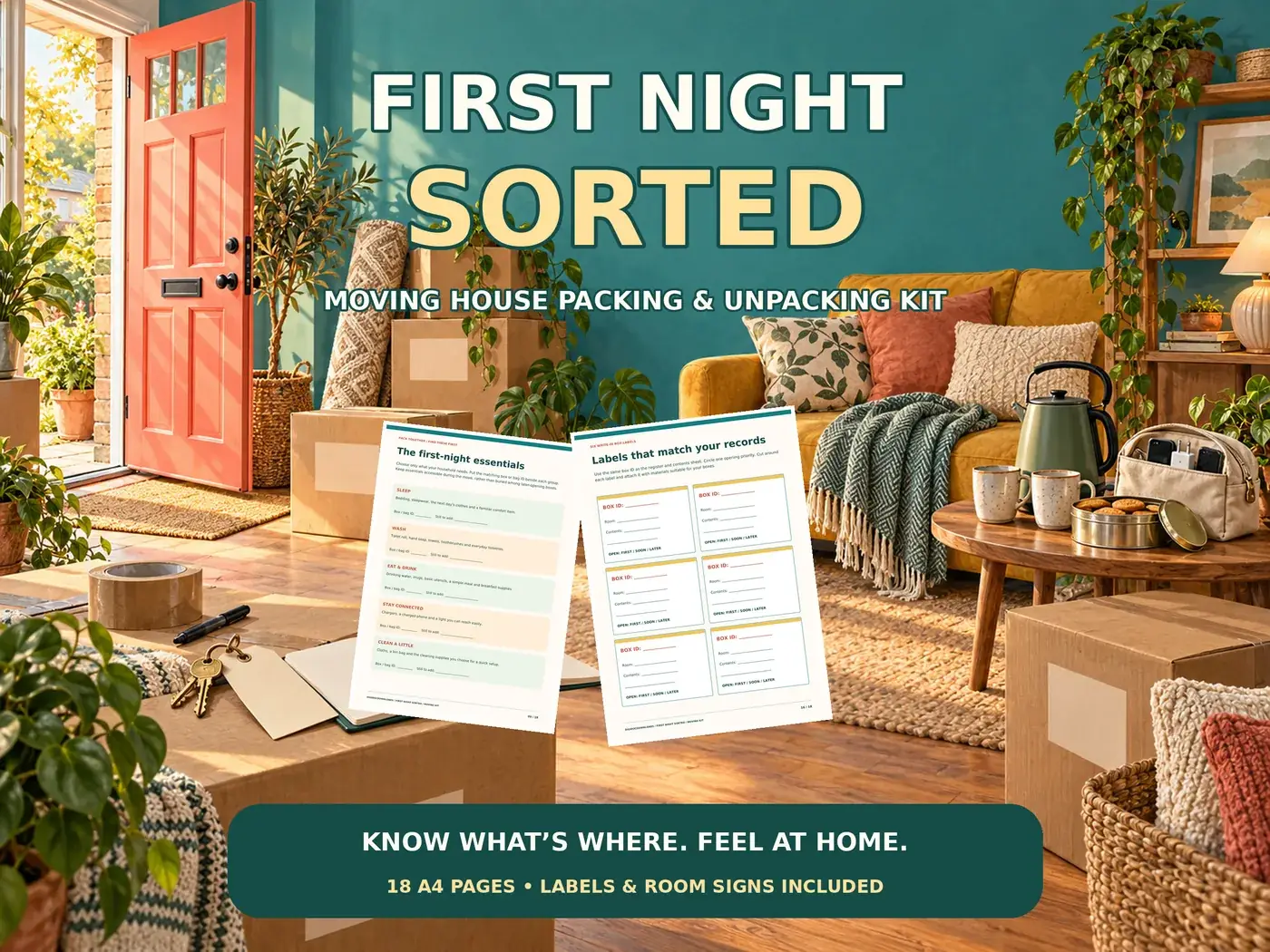
Moving House Planner Kit – First Night Sorted
A practical planner to complete
- 18 A4 pages
- Matching box IDs
25% off, was £4.49
No exact matches yet. Try a shorter search, or search the full Shop.
See all matching downloadsPlan a home move from the first decision to the first week. Twenty printable A4 pages bring your timeline, budget, packing, box codes, handover and move-day priorities into one practical command centre.
25% off, was £6.99
Direct price: £5.24 £6.9925% OFF
Buy on partner platforms Etsy or Payhip:
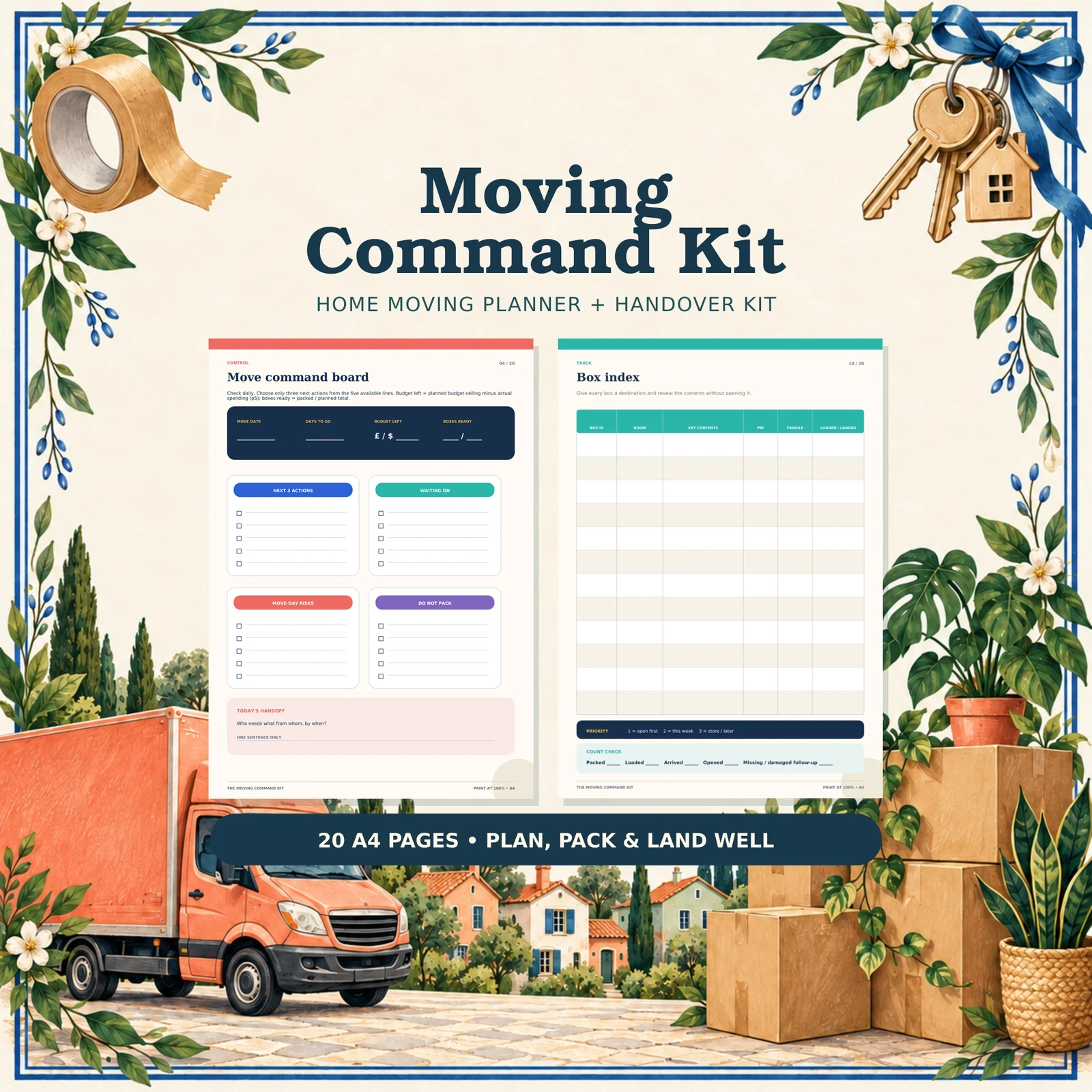


Print at 100% / Actual Size on A4 paper and complete by hand. Reprint table pages for extra entries. This fixed-layout PDF is not editable or fillable. Personal household use only; no physical item is sent. Decorative marketing illustrations were created with AI assistance; sample pages show the actual planner.
After payment is confirmed, download buttons appear in this website’s checkout panel. Keep your private purchase link safe. On the same browser with an empty basket, Secure checkout can also show previous purchases saved here; clearing browser storage removes that local copy. Reopening a private purchase link checks payment again and refreshes temporary file links. Automatic file-email delivery is not available for this direct Stripe route. Never share your private purchase link publicly.
Use the download page shown after a successful Payhip purchase, or the download or login link in your Payhip receipt email. Check the inbox used at checkout, including spam or junk. A membership uses its login link. If access is missing, contact the seller using the address in that receipt; an Etsy account will not contain a Payhip order.
Read the printing guide in your chosen product first. Check the paper size, orientation and scale in the print preview. Plot Twist and Japanese Writing Paper specify A4 at Actual Size; Castles of England uses landscape A4 pages. Print one page and check it before making the full batch.
Start with a sheet your printer supports. Test your pens or pencils on it before printing a batch. For cards or keepsakes, check the printer’s paper-weight limit before using thicker stock. Do not assume a home printer can handle every craft paper.
Open Etsy in a web browser, sign in and go to Purchases. Find your order and select Download Files. For an instant download, files become available after payment confirmation.
For Payhip, use the seller’s contact address in your receipt; for Etsy, use your order. Direct website buyers can contact DigiDocDownloads through the shop page. Include the product name, what you were trying to do, your device or software and the exact error. Never send passwords, payment-card details or private purchase links in a public message or screenshot.
Kept only in this browser.
Save this download for later or explore more ideas.
A practical planner to complete
25% off, was £4.49
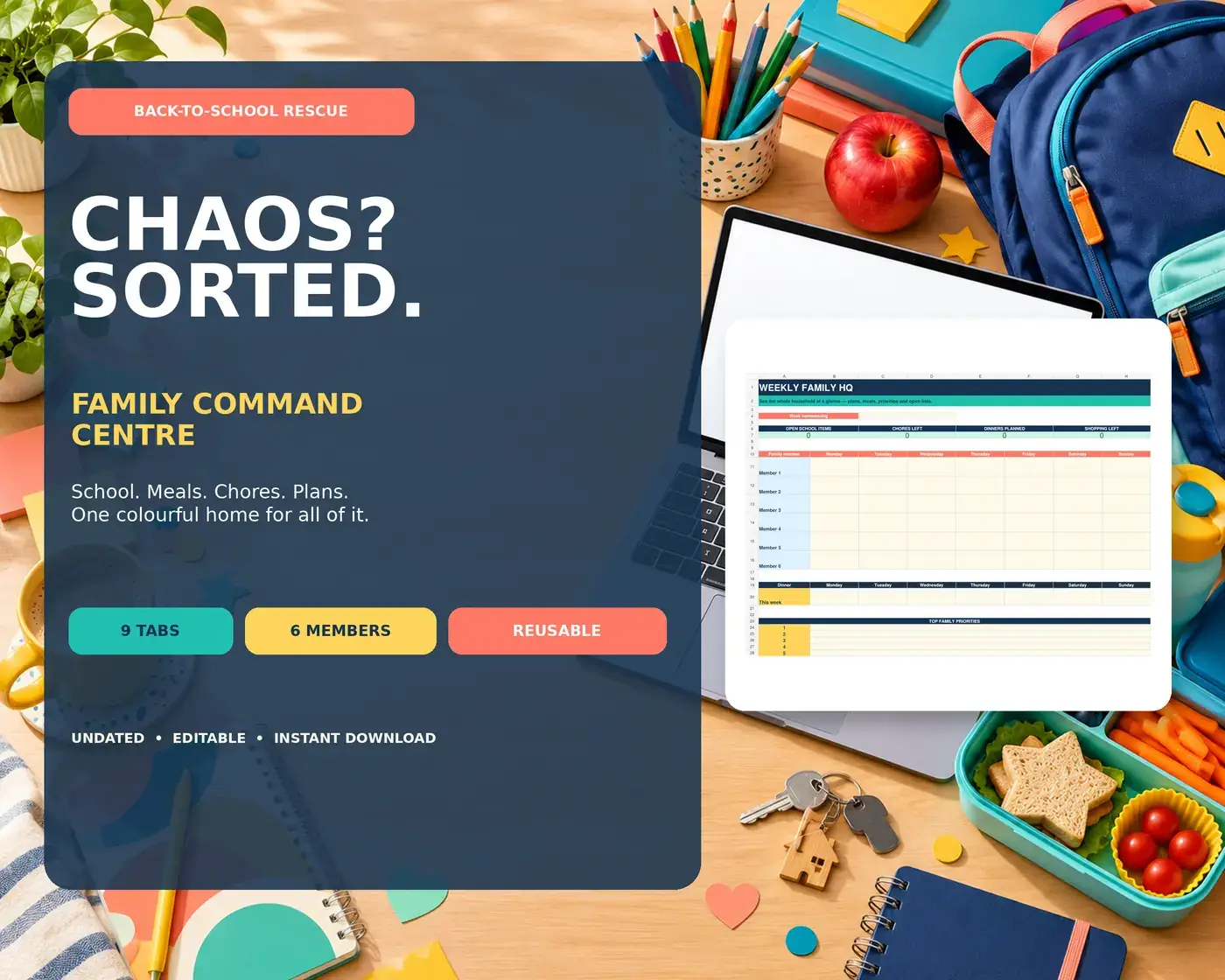
An Excel workbook for your own records
25% off, was £11.99
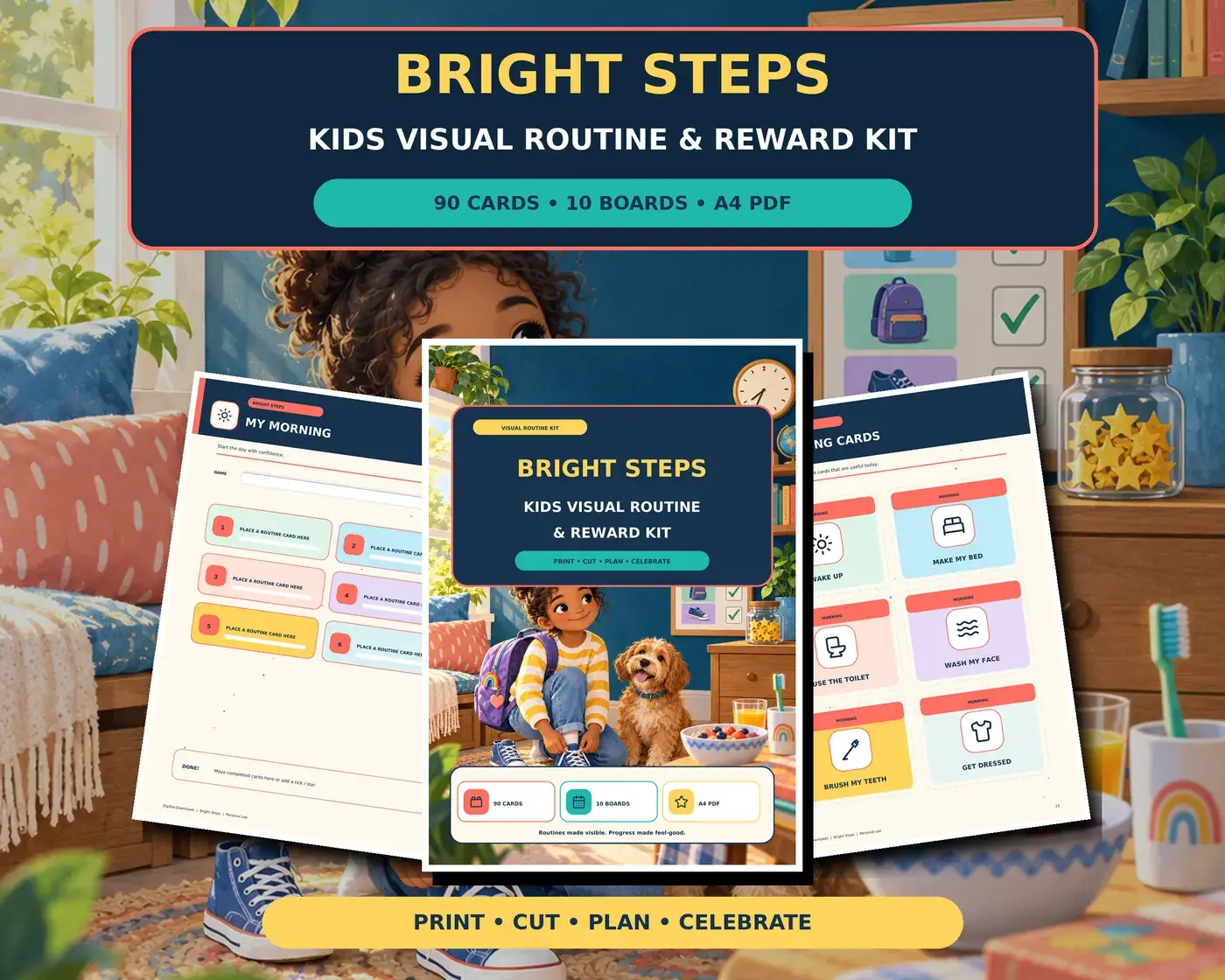
Visual routine cards and planning boards
25% off, was £9.99
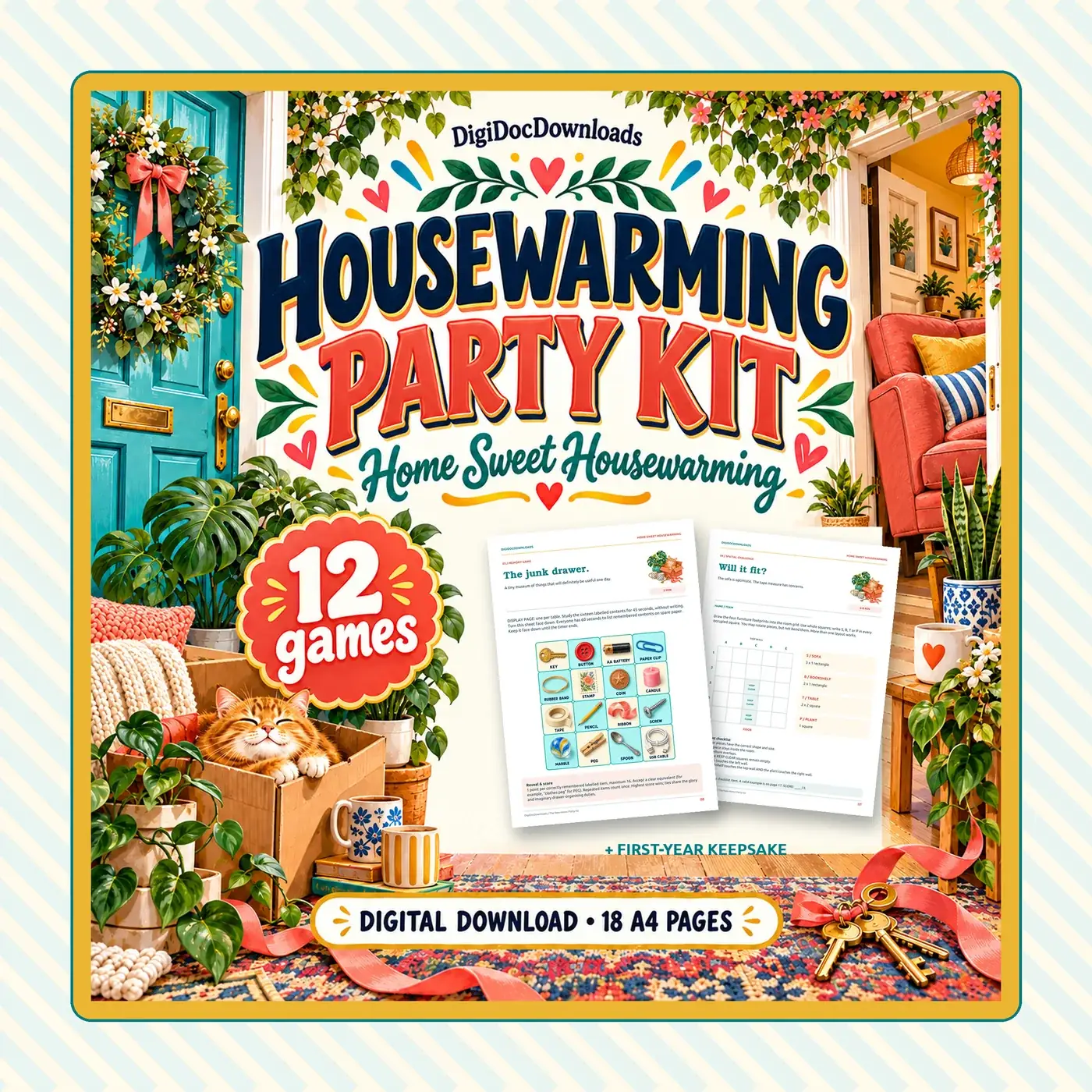
Printable games and activities
25% off, was £5.99