
Gather
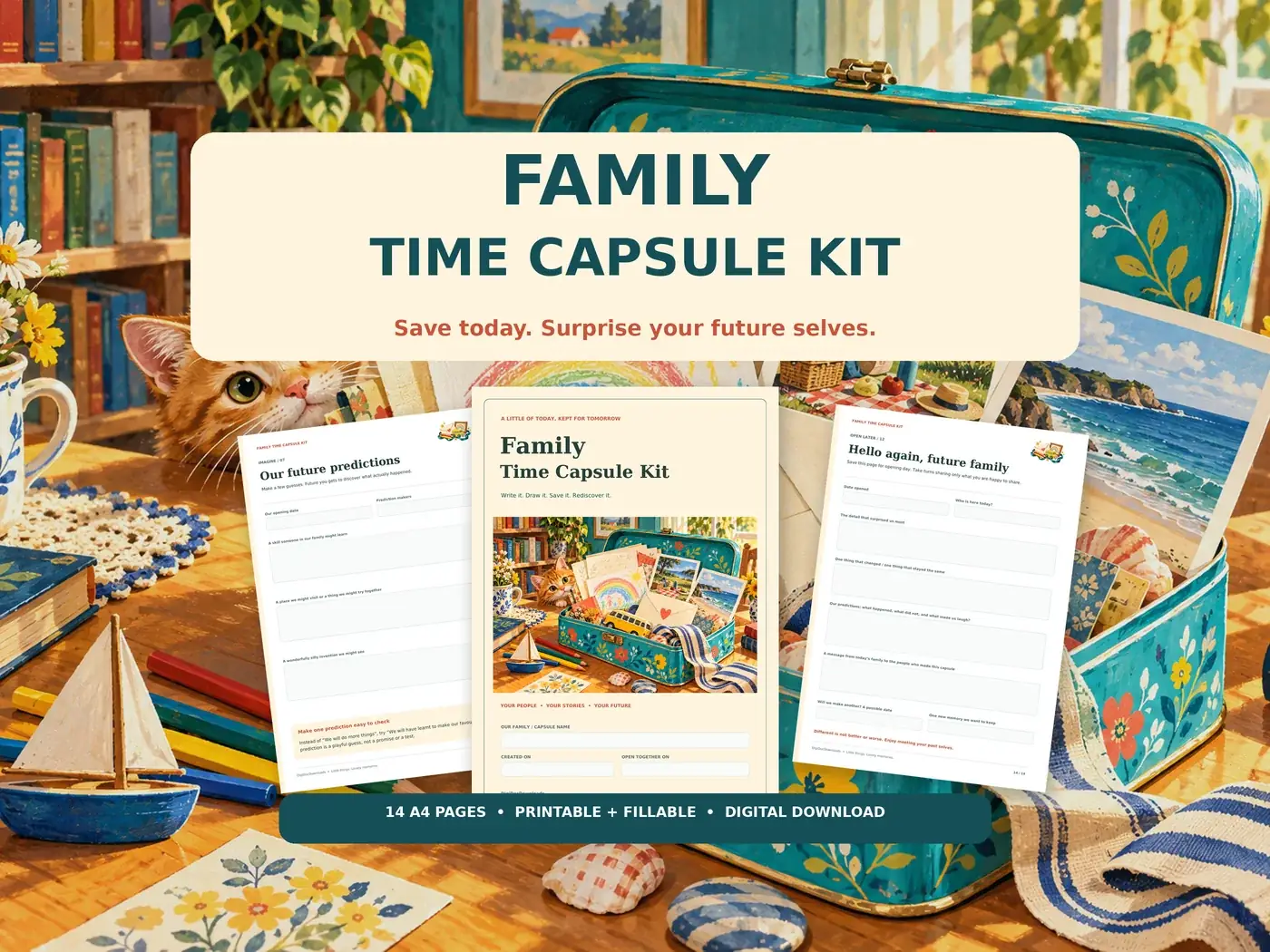
Family Time Capsule
A family keepsake to complete
- 14 A4 pages
- Memory pages
25% off, was £4.95
No exact matches yet. Try a shorter search, or search the full Shop.
See all matching downloadsPlanning a wedding is lovely. Keeping track of the budget, suppliers, guests, seating and 47 different payments? Slightly less lovely. 💍
25% off, was £14.99
Direct price: £11.24 £14.9925% OFF
Buy on partner platforms Etsy or Payhip:
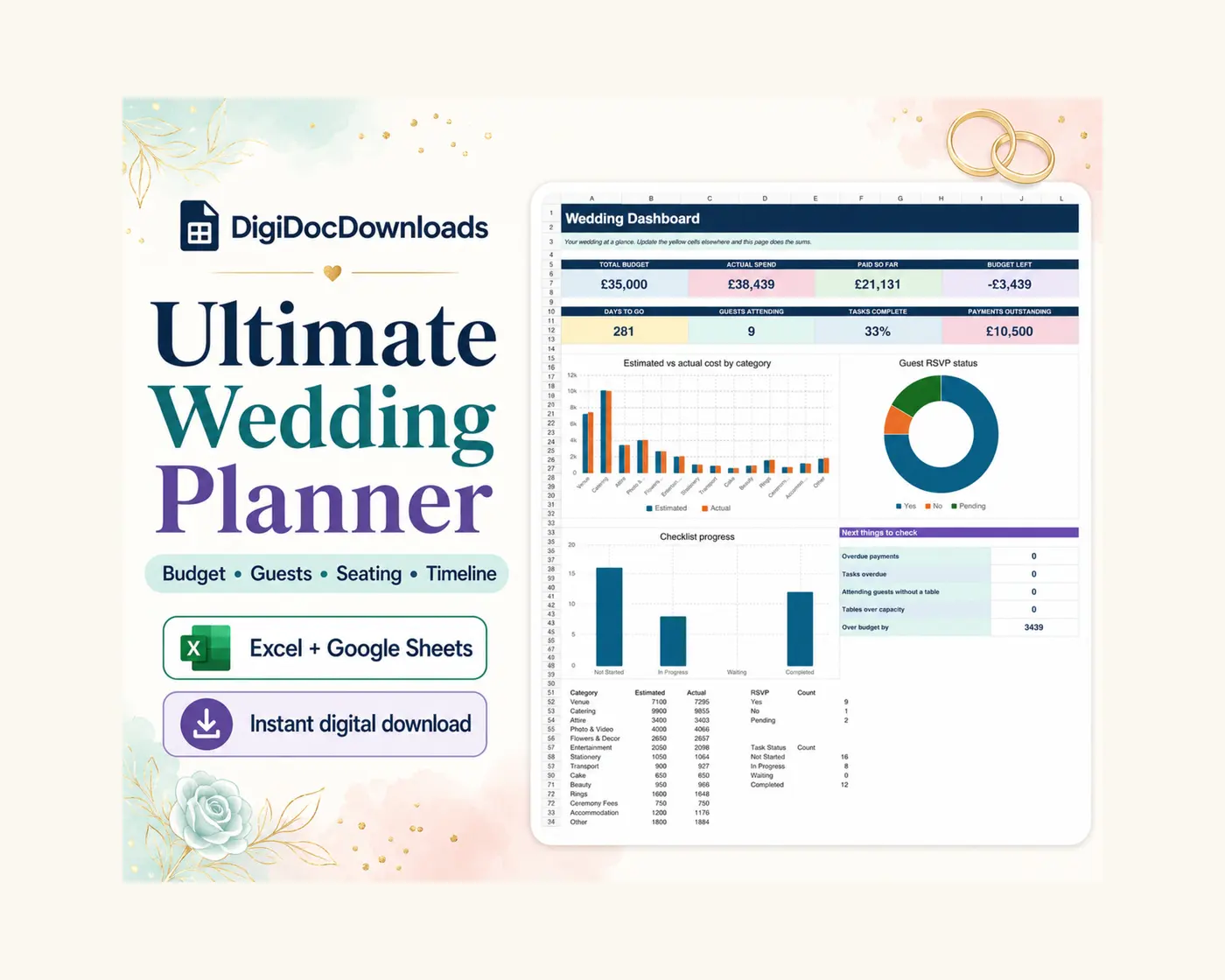


Instant digital download. Microsoft Excel is recommended. Clean and demo files are included; importing into Google Sheets may change the appearance.
After payment is confirmed, download buttons appear in this website’s checkout panel. Keep your private purchase link safe. On the same browser with an empty basket, Secure checkout can also show previous purchases saved here; clearing browser storage removes that local copy. Reopening a private purchase link checks payment again and refreshes temporary file links. Automatic file-email delivery is not available for this direct Stripe route. Never share your private purchase link publicly.
Use the download page shown after a successful Payhip purchase, or the download or login link in your Payhip receipt email. Check the inbox used at checkout, including spam or junk. A membership uses its login link. If access is missing, contact the seller using the address in that receipt; an Etsy account will not contain a Payhip order.
Try a fresh download and software compatible with the file type. If the download is a ZIP, extract it first. If the problem continues, contact the shop with the product name, device and error message.
Open Etsy in a web browser, sign in and go to Purchases. Find your order and select Download Files. For an instant download, files become available after payment confirmation.
Matched products show the GBP price observed on Etsy with a checked date. Offers can change, so the matching listing confirms the final checkout price and availability.
Kept only in this browser.
Save this download for later or explore more ideas.
A family keepsake to complete
25% off, was £4.95
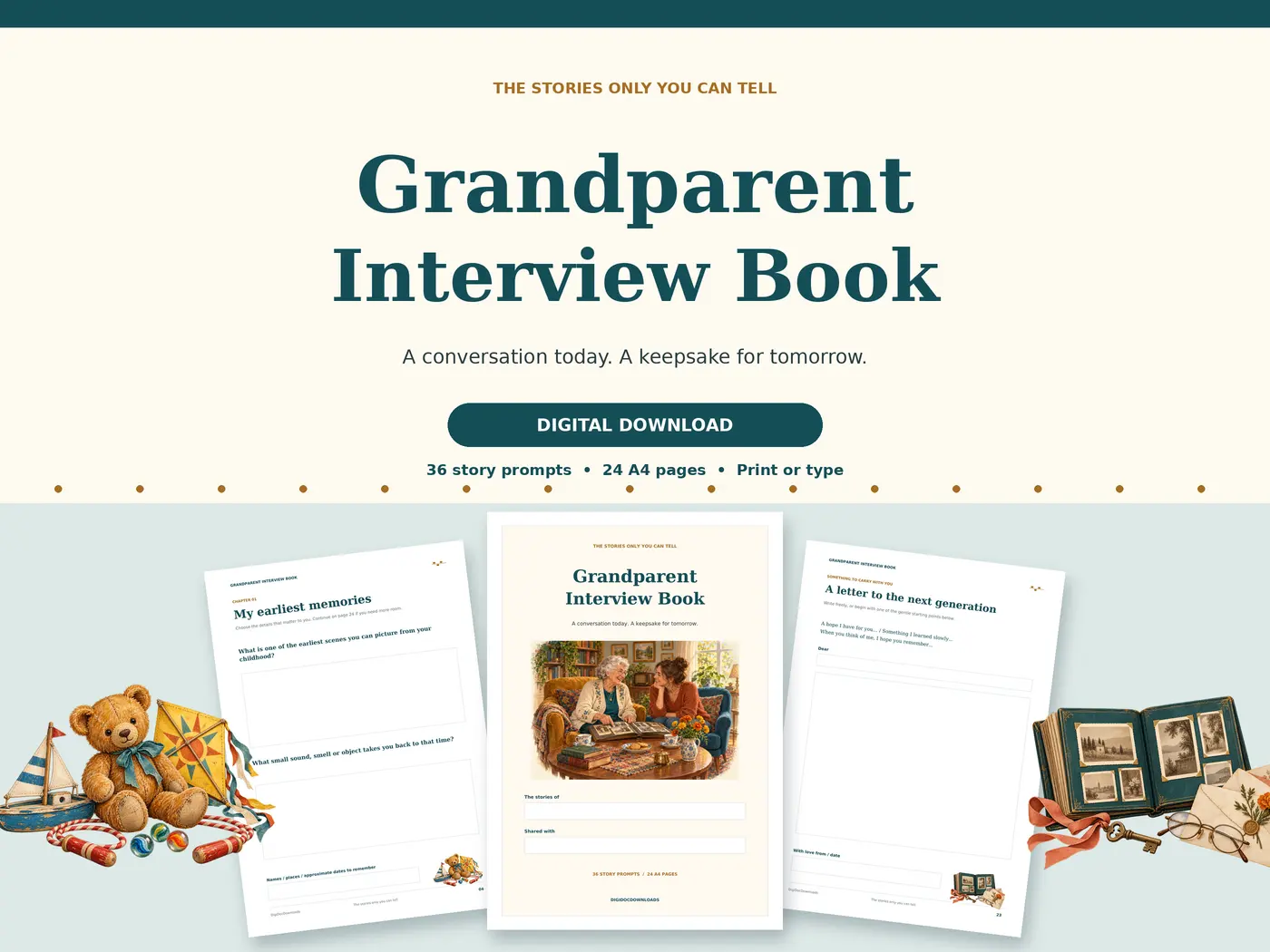
A journal or planner to complete
25% off, was £6.95

A journal or planner to complete
25% off, was £6.95

A fillable forecast with linked balances and cash-buffer checks
25% off, was £14.95