Automatic savings on direct downloads
Organise / Client forms, checklists and a linked quote calculator
More in Small Business Tools

Cleaning Business Toolkit

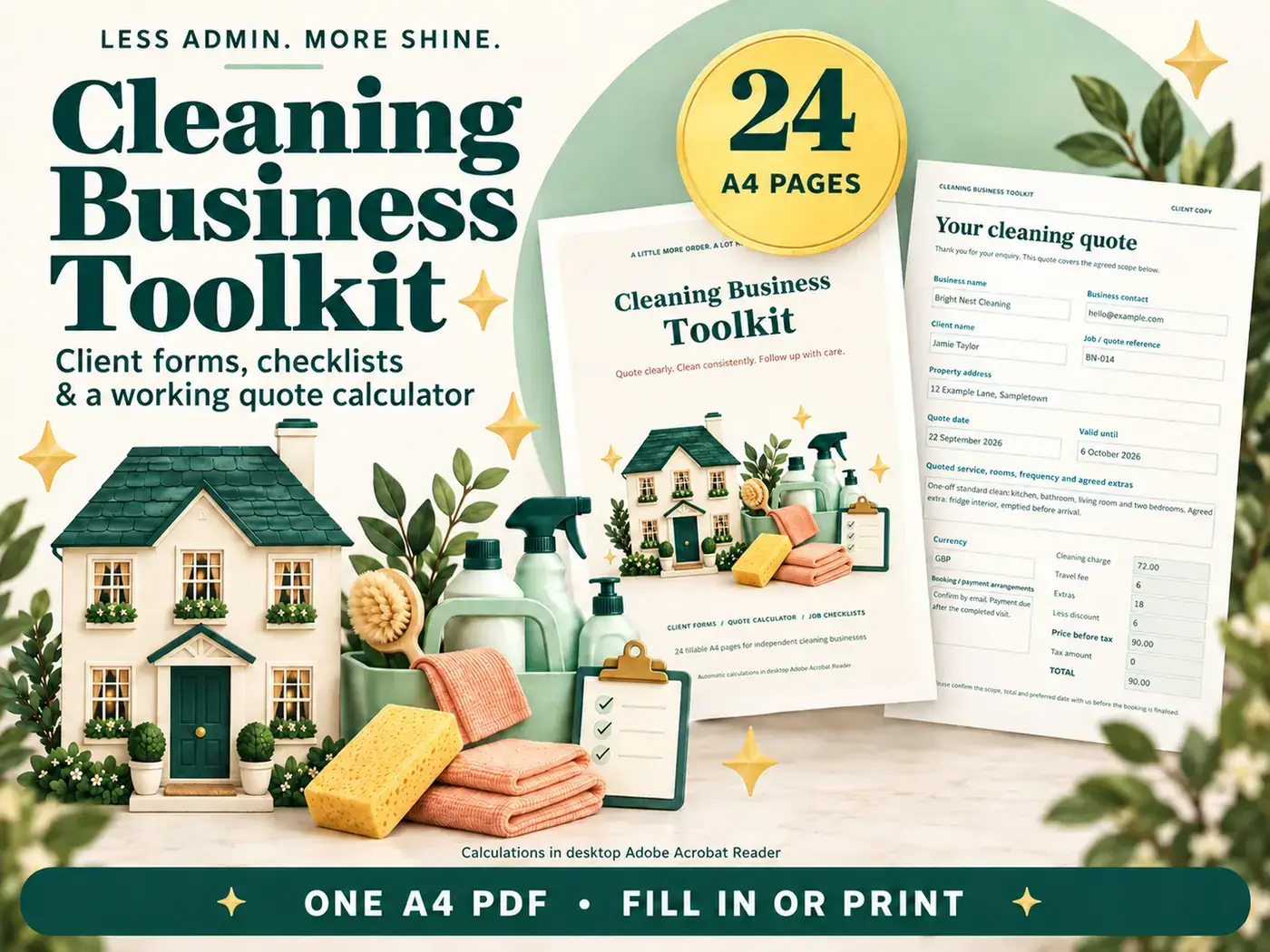
Give the business side of cleaning a little polish. This reusable toolkit brings enquiries, quotes, bookings and follow-ups into one practical place.

Direct price: £11.21 £14.9525% OFF

Buy on partner platforms Etsy or Payhip:

Watch the short preview

A closer look inside

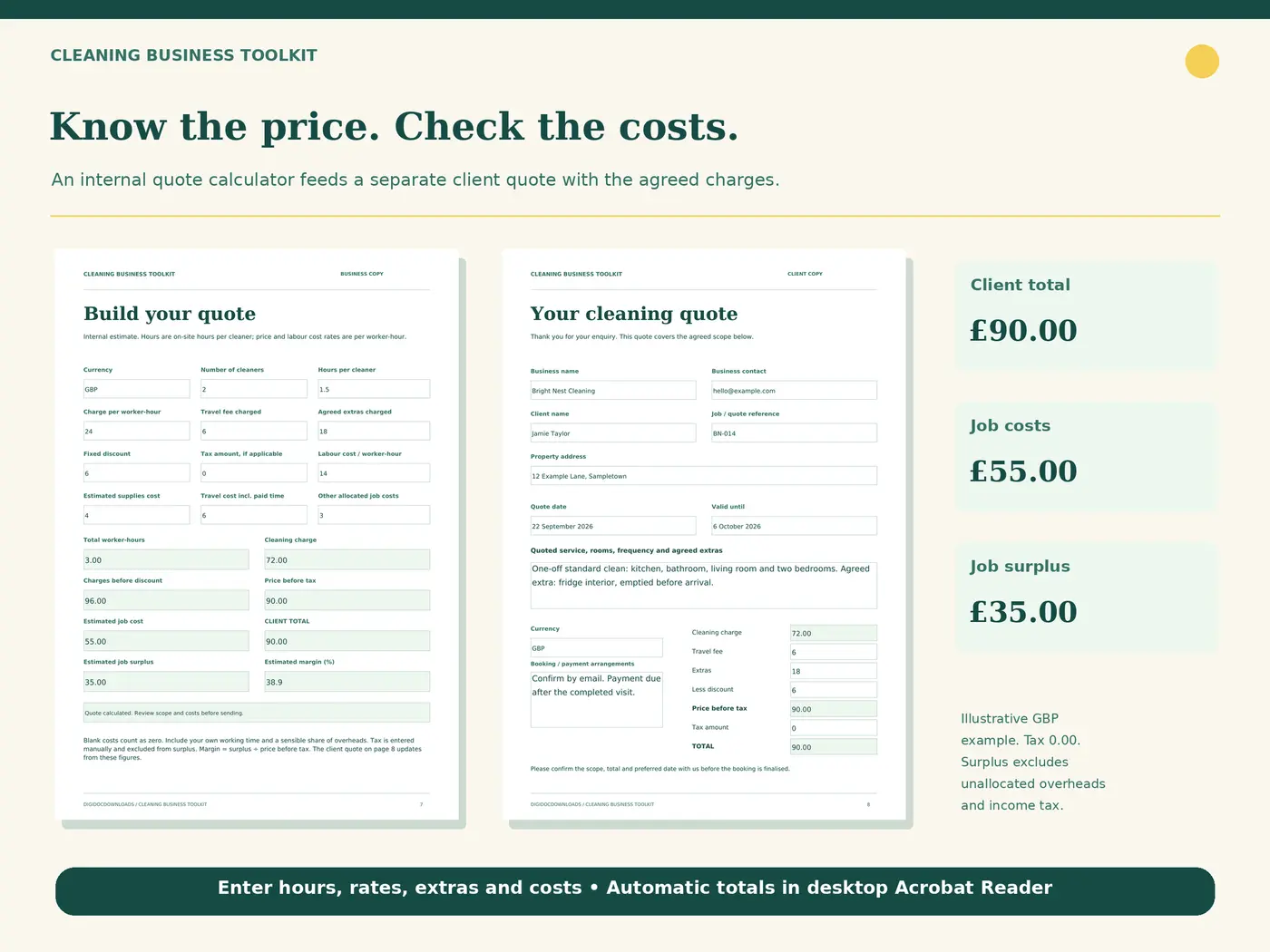
  • Quote calculator and linked client quote
  • Standard, deep-clean and move-out checklists
  • Enquiry, service plan, booking confirmation and visit report
  • Job costs, payment tracker, supplies log and monthly review

Good to know

Automatic calculations require desktop Adobe Acrobat Reader with JavaScript enabled; browser and mobile viewers may not calculate. Other logs are manual records. Keep a blank master and save a separate copy for each job.

24 A4 pagesFillable PDFQuote and job calculatorsClient-ready forms
Full Etsy listing description
Give the business side of cleaning a little polish ✨ This Cleaning Business Toolkit brings your enquiries, quotes, bookings and follow-ups into one practical, reusable place. ✓ Quote calculator with hours, rates, extras, costs and estimated job surplus ✓ Linked client quote with a clear breakdown of charges ✓ Standard, deep-clean and move-out checklists with clickable boxes ✓ Client enquiry, service plan, booking confirmation and visit report ✓ Actual job cost calculator, payment tracker and supplies log ✓ Six adaptable client messages, feedback page and monthly review The 24-page A4 PDF has fillable fields and linked business and client details. Keep a blank master, save a copy for each job, or print the pages you need. Selected client pages keep your internal cost notes separate. Automatic calculations require desktop Adobe Acrobat Reader with JavaScript enabled; browser and mobile viewers may not calculate. Other logs are manual records. Less admin, more shine 🧽
From download to done

Get ready for the Cleaning Business Toolkit

  1. Open the fillable PDF in desktop Adobe Acrobat Reader with JavaScript enabled for automatic calculations. Browser and mobile viewers may not calculate. Keep a blank master and save a copy for each job.
  2. Open the included instructions and choose the pages or size for your project.
  3. Keep the downloaded PDF so you can return to the instructions later.

A little practical help

I paid with Stripe on this website. Where are my PDFs?

After payment is confirmed, download buttons appear in this website’s checkout panel. Keep your private purchase link safe. On the same browser with an empty basket, Secure checkout can also show previous purchases saved here; clearing browser storage removes that local copy. Reopening a private purchase link checks payment again and refreshes temporary file links. Automatic file-email delivery is not available for this direct Stripe route. Never share your private purchase link publicly.

How do I find a Payhip purchase?

Use the download page shown after a successful Payhip purchase, or the download or login link in your Payhip receipt email. Check the inbox used at checkout, including spam or junk. A membership uses its login link. If access is missing, contact the seller using the address in that receipt; an Etsy account will not contain a Payhip order.

Can I type into or edit the printables?

Check the specific product page and Etsy listing. Some PDFs are fixed print-and-write pages; others have text fields you can complete in a compatible PDF reader. Fillable fields let you change the stated text areas, while the artwork and page layout stay fixed. A PDF alone does not promise editing.

My file will not open. What should I try?

Try a fresh download and software compatible with the file type. If the download is a ZIP, extract it first. If the problem continues, contact the shop with the product name, device and error message.

How do I download an Etsy purchase?

Open Etsy in a web browser, sign in and go to Purchases. Find your order and select Download Files. For an instant download, files become available after payment confirmation.

Visit the help centre
From the DigiDoc blog

Ideas for using it well.

Practical guides for getting more from your download.

Explore the blog

A little Pinterest inspiration

Save this download for later or explore more ideas.

A few more good ideas

Browse all downloads
Cleaning Business Toolkit enlarged product preview