
Organise
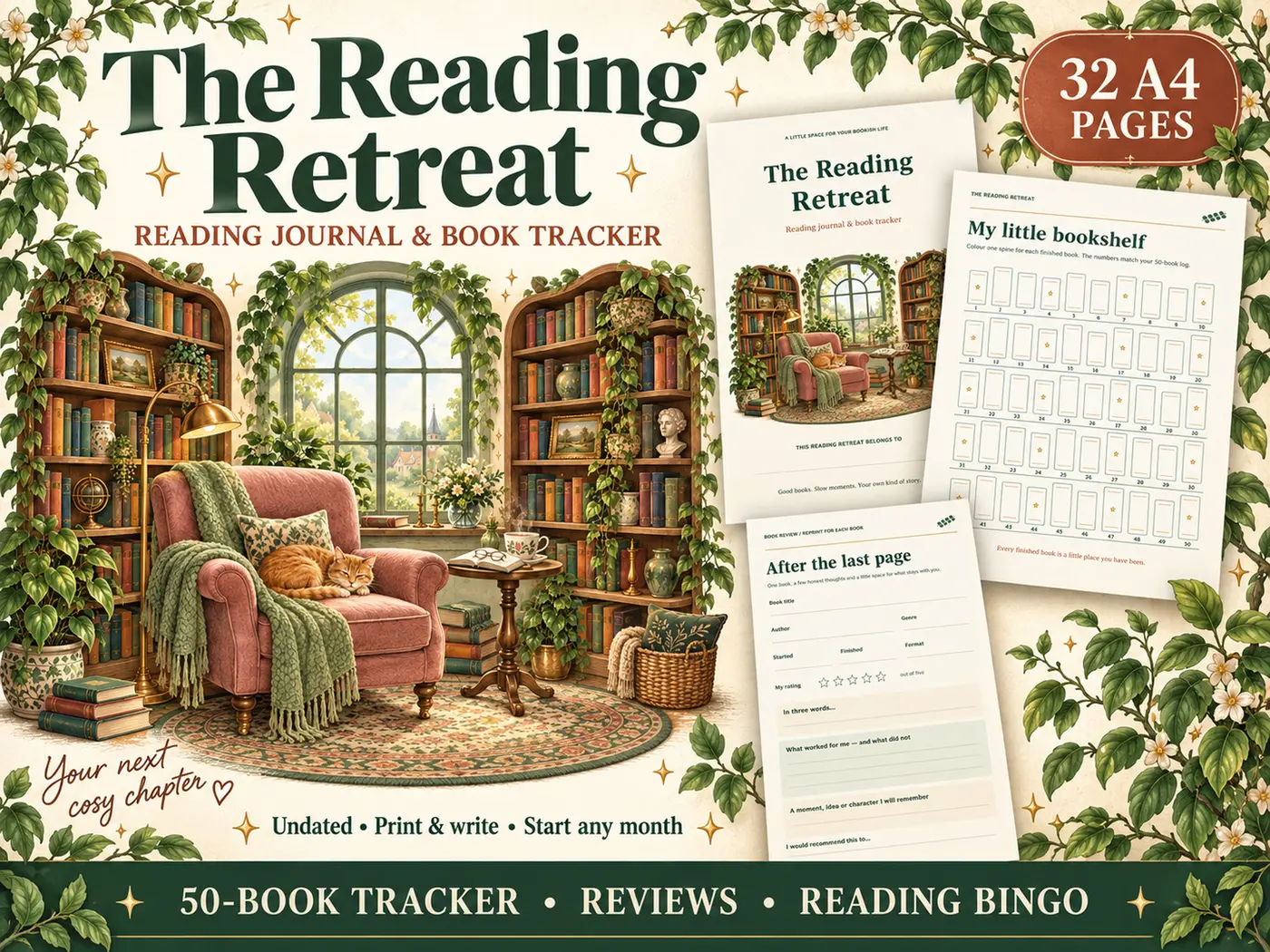
The Reading Retreat
An undated 50-book journal with reviews, bingo and trackers
- 32 A4 pages
- 50-book log
£5.84 on Etsy · Last checked
30% off at last check · was £8.34
No exact matches yet. Try a shorter search, or search the full Shop.
See all matching downloadsGive your notes a place to grow with a botanical digital notebook for work, learning and everyday ideas.
30% off at last check · was £4.74
Select an image to preview. Tap the large image for a closer look.
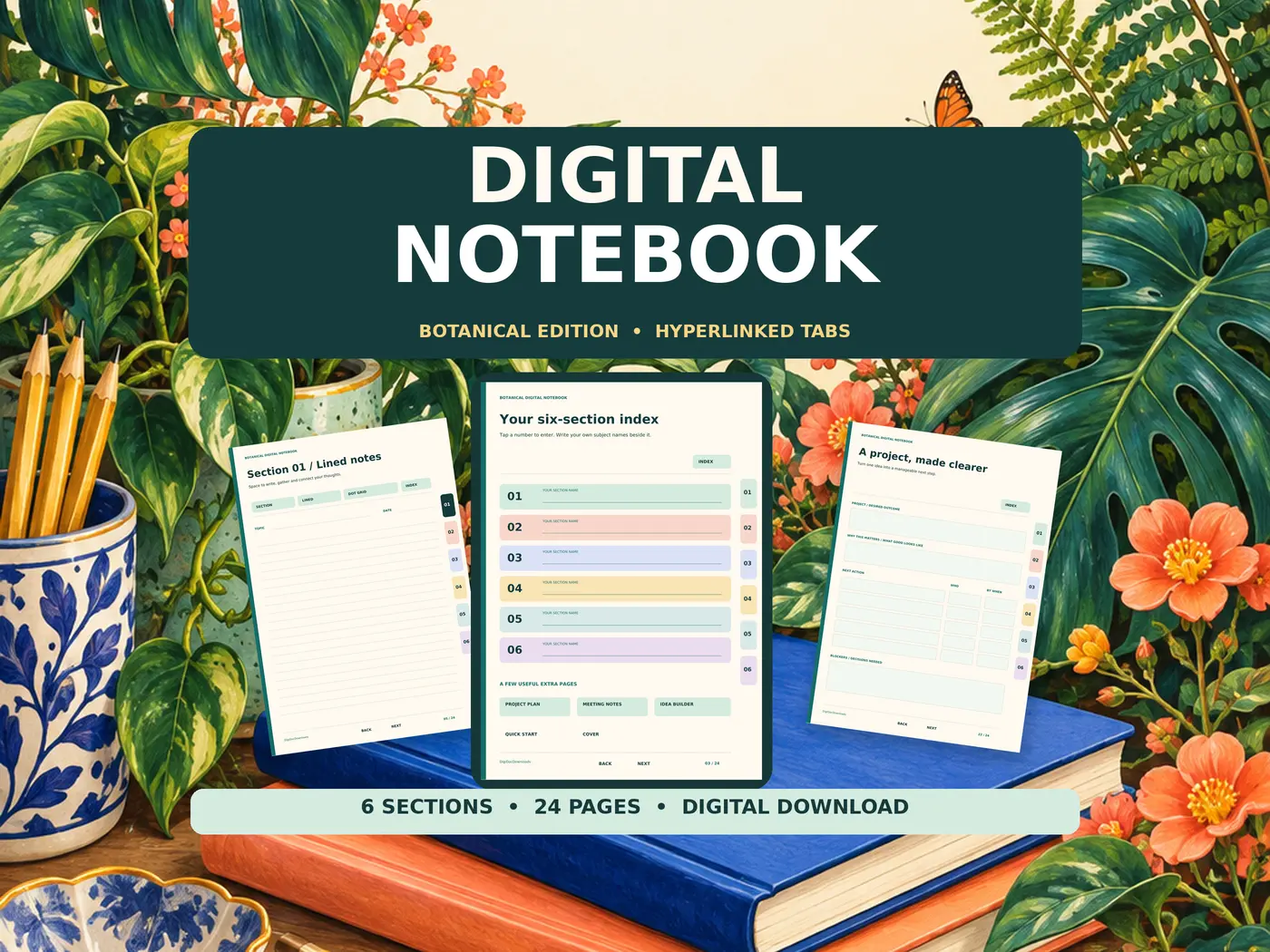
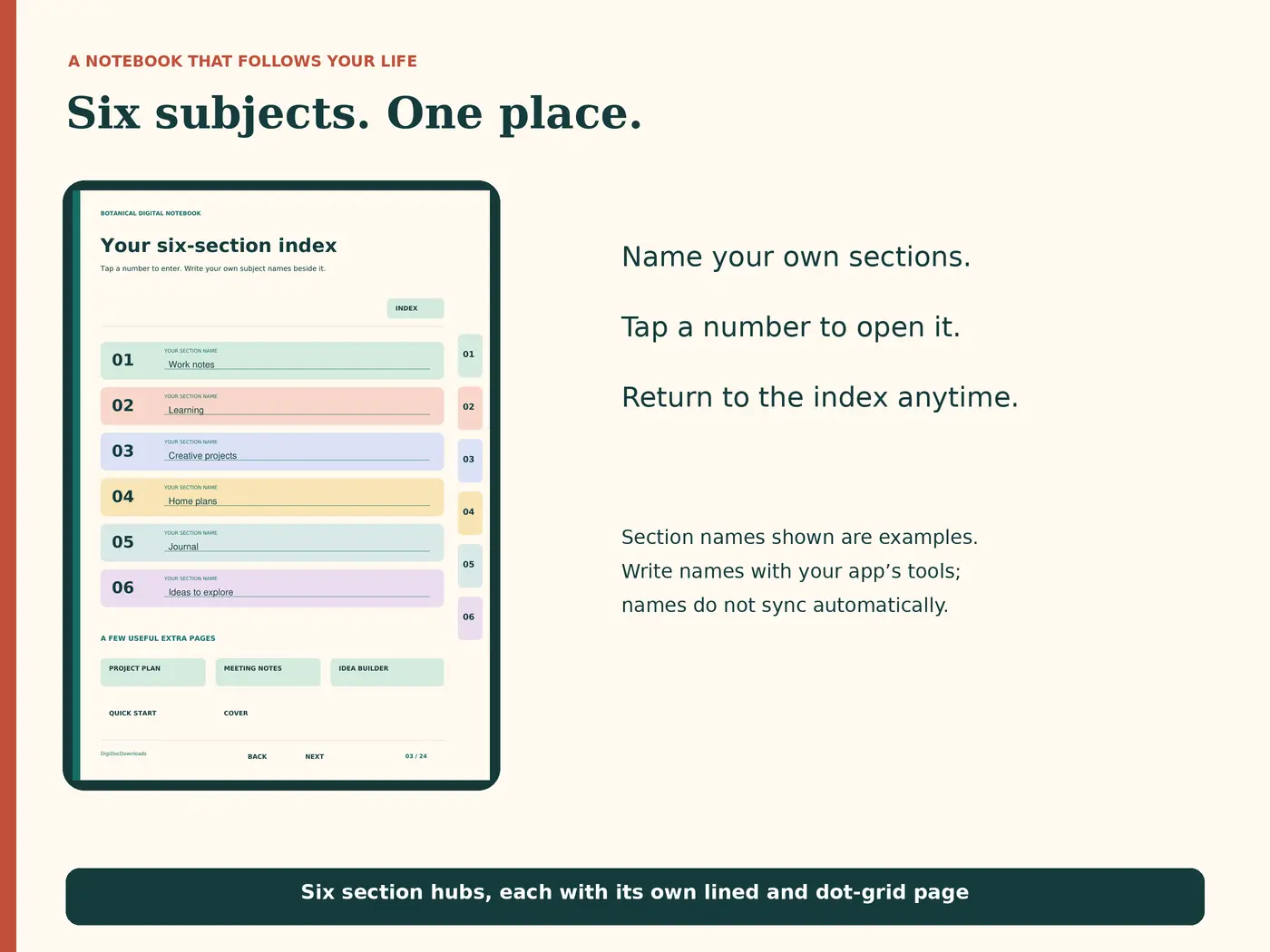


Digital writing requires a PDF annotation app that supports internal hyperlinks. Use the app’s pen or text-box tools; this is not a fillable form and section names do not update automatically. Selected pages can also be printed on A4.
Open Etsy in a web browser, sign in and go to Purchases. Find your order and select Download Files. For an instant download, files become available after payment confirmation.
Try a fresh download and software compatible with the file type. If the download is a ZIP, extract it first. If the problem continues, contact the shop with the product name, device and error message.
Start with the contents or host guide and choose the activities you want. Separate pages that everyone needs from shared table pages and host-only answers. Print only the page numbers you need, following that product’s instructions.
Kept only in this browser.
Practical guides for getting more from your download.
Explore historical commonplace books and a simple modern way to keep quotations, questions and useful ideas without turning notes into another chore.
3 minute read · 3 checked sourcesSet up a hyperlinked PDF notebook with a compatible annotation app, test its numbered tabs and save a working copy before adding your notes.
3 minute read · 3 checked sourcesSave this download for later or explore more ideas.
An undated 50-book journal with reviews, bingo and trackers
30% off at last check · was £8.34
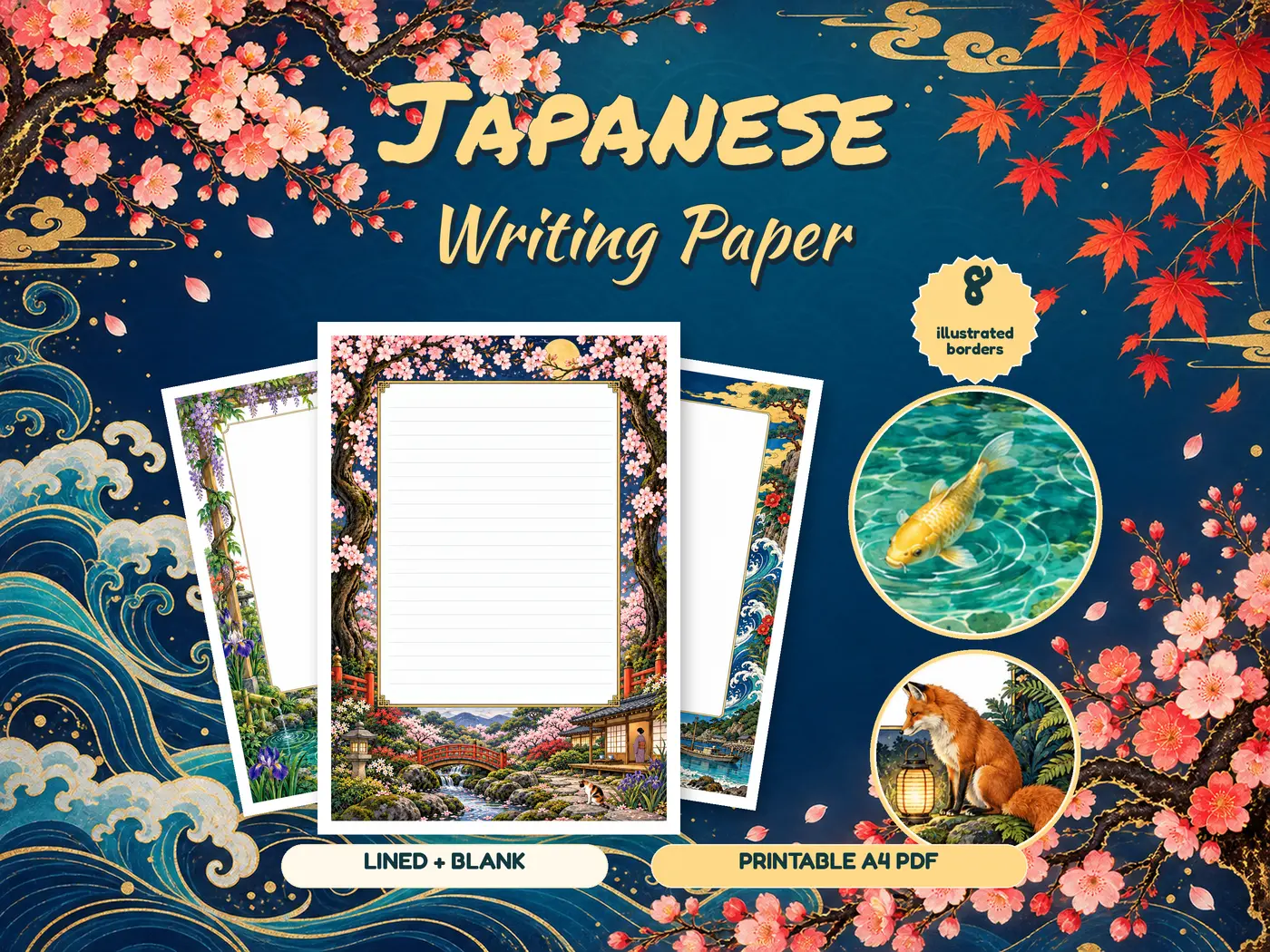
Eight illustrated stationery borders
30% off at last check · was £7.14
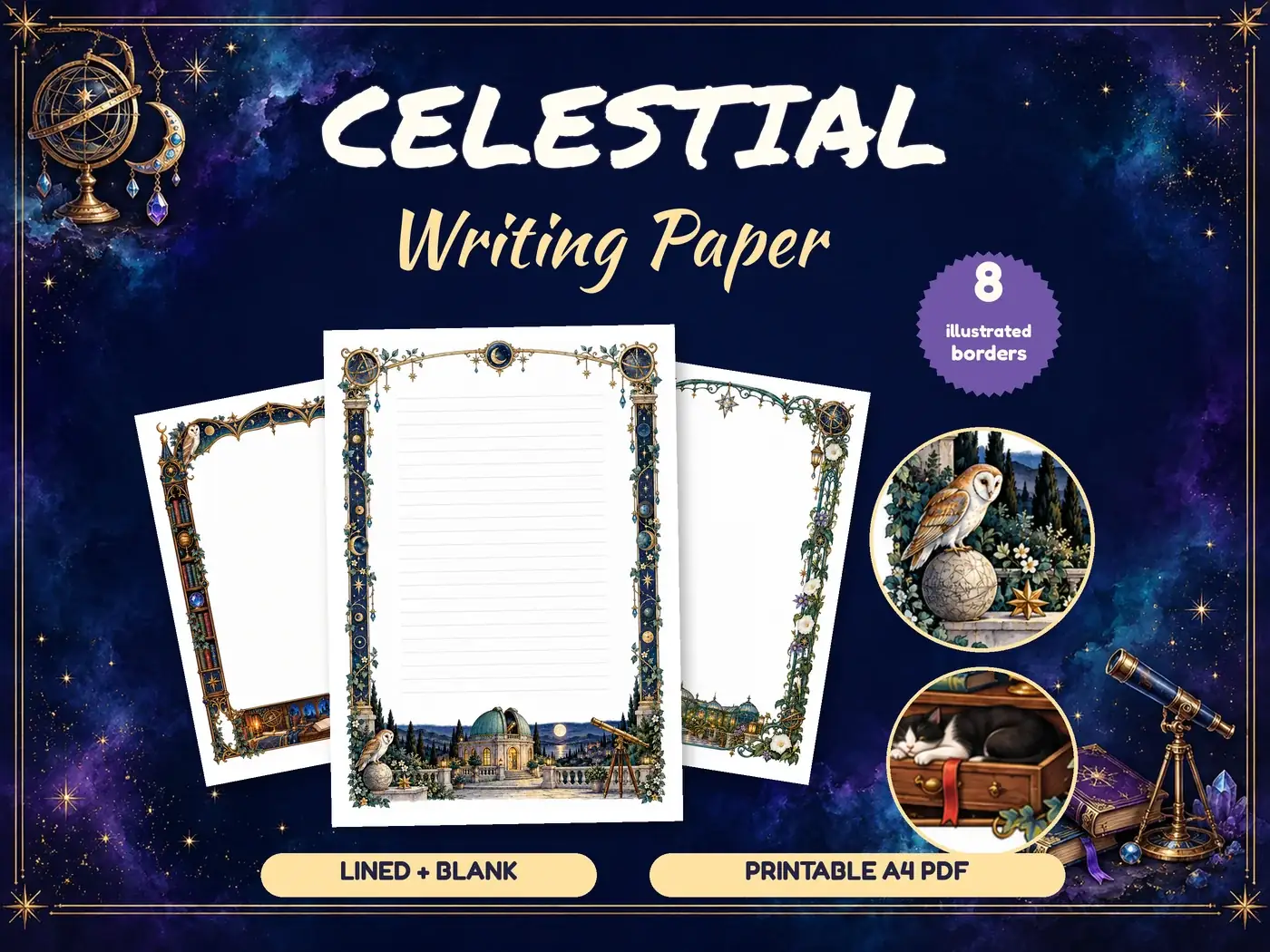
Illustrated writing paper
30% off at last check · was £7.14
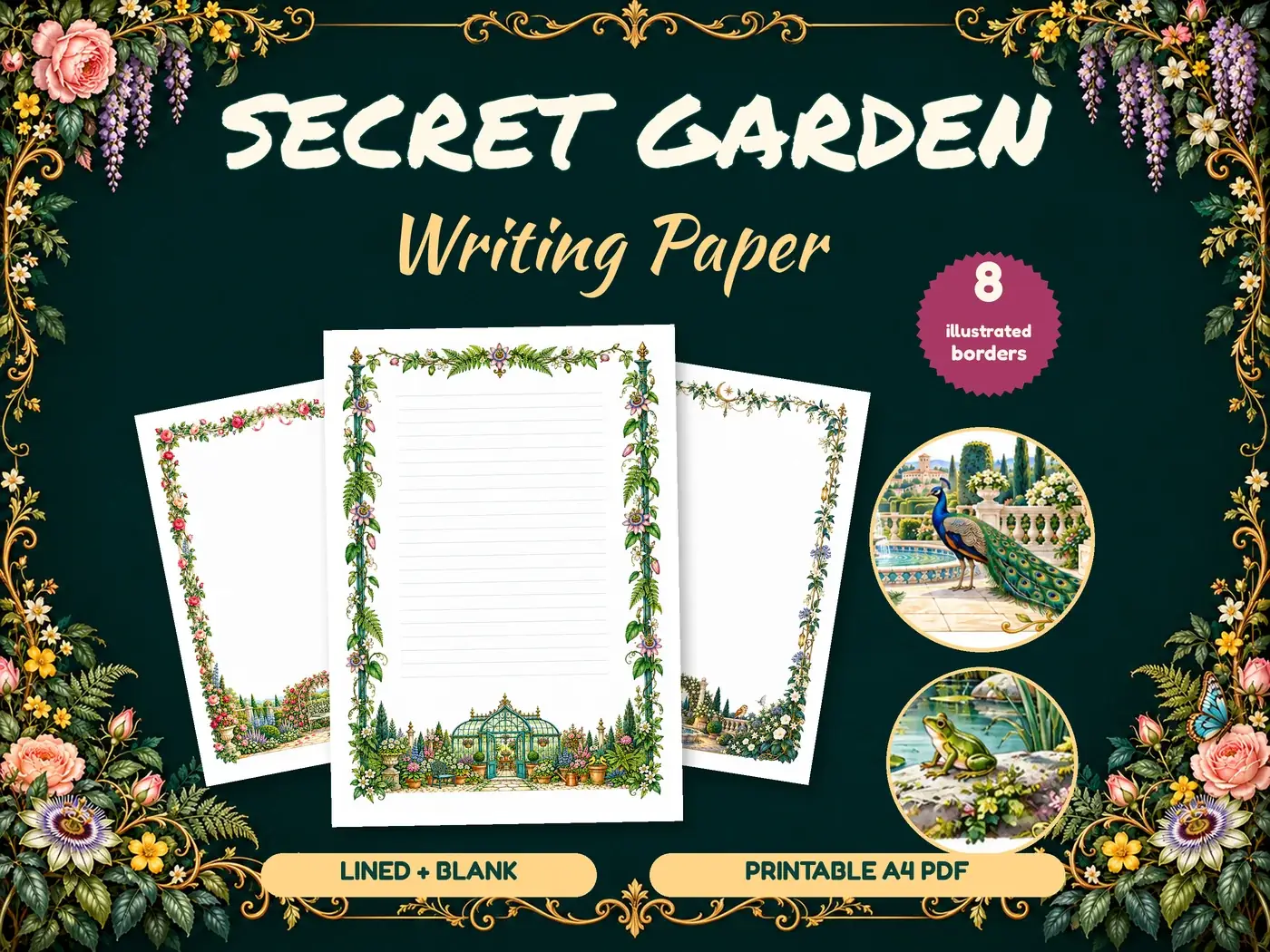
Illustrated writing paper
30% off at last check · was £7.14