In this guide
- Decide what the dashboard must tell you
- Build one gift list before entering purchases
- Keep planned, actual and remaining money together
- Treat a discount as context, not as money earned
- Separate promises from parcels
- Plan hosting from headcount backwards
- Turn every task into a date and a next action
- Use colour for exceptions
- Hold one ten-minute review each week
A Christmas planning spreadsheet is useful when it answers a small set of awkward questions quickly: What have we promised? What has been bought? What has actually arrived? How much have we spent, and what needs doing next? It should reduce remembering, not become another seasonal hobby with its own colour-coded administration department.
Spreadsheets began as a way to make changing numbers less laborious. The Computer History Museum describes VisiCalc as the first spreadsheet for personal computers. Released in the late 1970s, it helped turn the personal computer into a practical work tool because one changed figure could update related calculations. That same modest magic is still the point: enter information once, then use it to make the next decision.
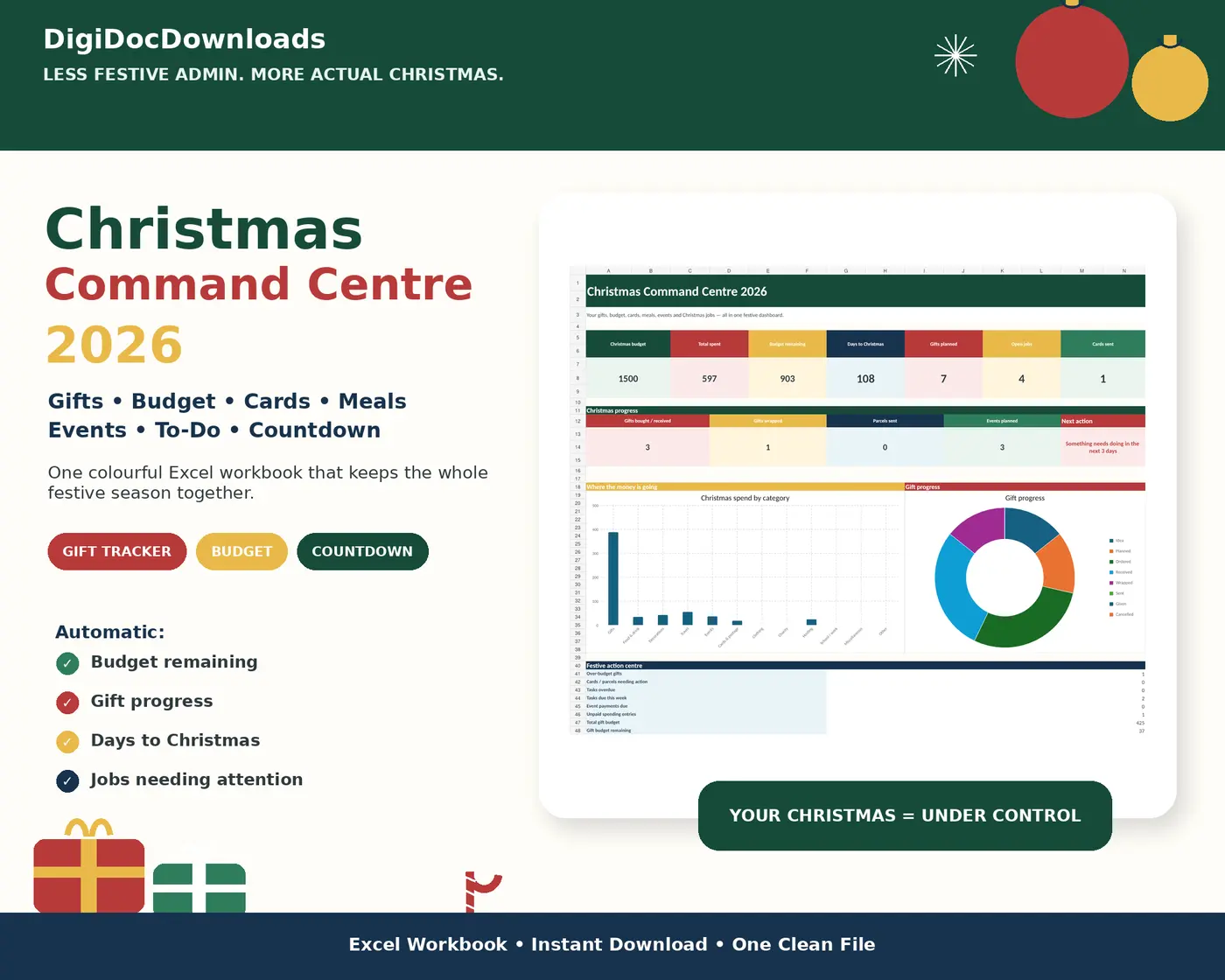
The Christmas Planner Spreadsheet is an editable Excel workbook with ten connected tabs. Its dashboard, gift and hiding-place tracker, Christmas budget, spending log, Black Friday calculator, parcel and card records, menu and event planner, and festive task countdown provide the structure described here. Set the year and add your own plans; it does not connect to shops or orders, and Microsoft Excel is recommended for the .xlsx file.
Decide what the dashboard must tell you
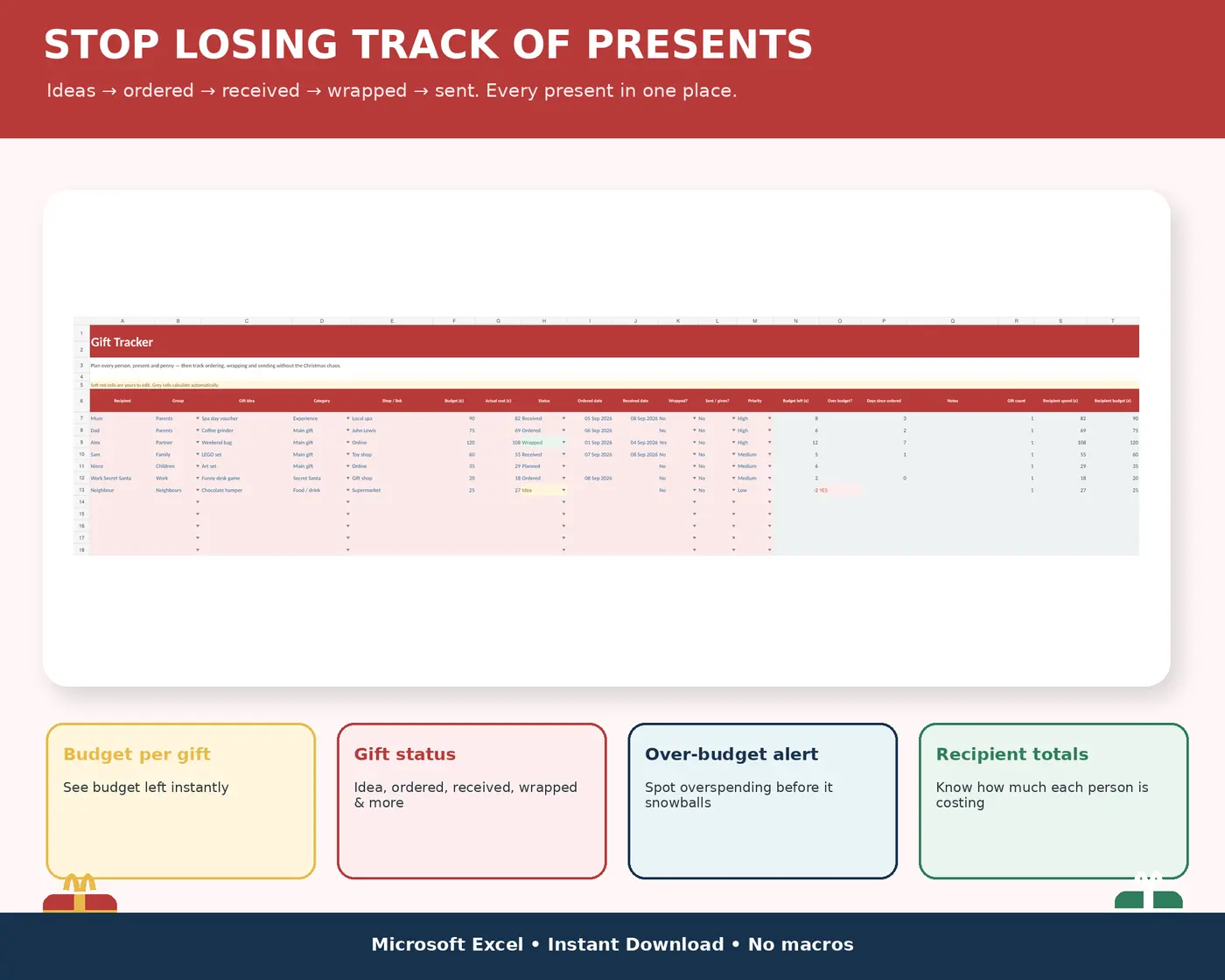
Begin with outputs, not tabs. A useful dashboard might show days remaining, planned budget, actual spending, gifts still to buy, parcels still expected and the next three dated tasks. If a figure will not change a decision, it probably does not need pride of place. Keep detailed notes in their own trackers and let the front page act as a calm summary rather than a festive cockpit.
Build one gift list before entering purchases
List every intended recipient first, including shared gifts, postage-only presents and small host gifts. Give each person a planned amount before adding ideas or purchases. MoneyHelper's Christmas saving guidance recommends listing the people you intend to buy for and allocating an amount to each; it also reminds hosts to include food and drink. This turns the budget into a plan rather than an explanation written after the receipts arrive.
Use clear status choices such as Idea, To buy, Ordered, Arrived, Wrapped and Given. Record one next action beside each unfinished row. The hiding-place column sounds faintly comic until 24 December, when it becomes one of the most serious pieces of household information in existence.
Keep planned, actual and remaining money together
For each category—gifts, food, travel, decorations, postage and events—record the planned amount and actual spend. Let the remaining figure be planned minus actual. Keep refunds as negative spending or in a clearly labelled refund column, rather than silently replacing the original price. MoneyHelper's broader budget-planner guidance stresses using accurate figures from statements, bills or banking records; estimates are a starting point, but decisions improve when actual spending replaces them.
Treat a discount as context, not as money earned
A deal tracker should compare the price you planned to pay, the observed price and the amount actually spent. It should not encourage a purchase merely because a percentage looks impressive. Record the shop, item, check date, delivery cost and return deadline. If the final price is above the household limit, the discount has not repaired the budget; it has simply arrived wearing a small red badge.
Separate promises from parcels
The gift tracker records the intention; the parcel tracker records the journey. Add order date, retailer, expected date, arrival status and where the item went after delivery. Avoid storing passwords, full payment-card details or other sensitive information. Cards need a similarly simple record: recipient, address checked, written, posted and hand-delivered. A filter showing only incomplete rows is more useful than a magnificent list that requires detective work.
Plan hosting from headcount backwards
Give each event a date, arrival time, number of guests, dietary notes, menu outline and preparation tasks. Work backwards from serving time: shopping, thawing, advance cooking, table setup and the last-minute jobs that genuinely must remain last-minute. If a gathering includes a bake exchange, the separate Guide to hosting a fair Christmas cookie swap covers quantities, ingredient information and packing without cramming those details into the household planner.
Turn every task into a date and a next action
Replace vague entries such as ‘sort presents’ with actions that can be completed: confirm sizes, order by Friday, collect parcel, buy two boxes, wrap three gifts. Give each task one owner and one due date. The countdown then becomes useful because it points to work that can actually be done, rather than announcing that Christmas continues to approach with its customary confidence.
Use colour for exceptions
Keep most rows visually quiet. Use colour to reveal what needs attention: overdue tasks, spending above plan, parcels past their expected date or gifts with no next action. Three or four consistent status colours are enough. If every cell is festive, nothing is informative; tinsel is excellent at being tinsel and rather poor at being a warning system.
Hold one ten-minute review each week
- Replace estimates with actual spending and record refunds.
- Move gifts and parcels to their current status.
- Check the next seven days for deadlines, travel and hosting tasks.
- Add one clear next action to every stalled item.
- Remove tasks that no longer matter instead of carrying them decoratively into January.
A short regular review is more reliable than one heroic session in mid-December. Save a backup before substantial changes, and use a filename that includes the year. At the end of the season, record the final totals, remove personal information that no longer needs keeping and save a clean copy for next year. The most useful note may be the simplest: what was worth repeating, and what created work without improving anyone's Christmas.
Explore Christmas Planner Spreadsheet
More to read, make and discover
A few useful, interesting and checked routes into the subject.
- Computing historyComputer History Museum: Software — Putting PCs to Work
Identifies VisiCalc as the first spreadsheet for personal computers and places it in the history of practical PC software.
- Christmas budgetingMoneyHelper: Saving money for Christmas
Recommends listing gift recipients, assigning an amount to each and including food and drink when hosting.
- Budget planningMoneyHelper: Budget planner
Explains how accurate income and spending figures create a clearer picture of what remains and where savings may be possible.