A PowerPoint night is a party in which the guests give short presentations on subjects that would never survive a sensible meeting agenda. A ranking of local roundabouts may appear beside a defence of an overlooked biscuit; an ordinary holiday photograph can acquire the solemnity of an archaeological discovery. The slides matter, but the real entertainment is the gap between the small subject and the magnificent commitment.
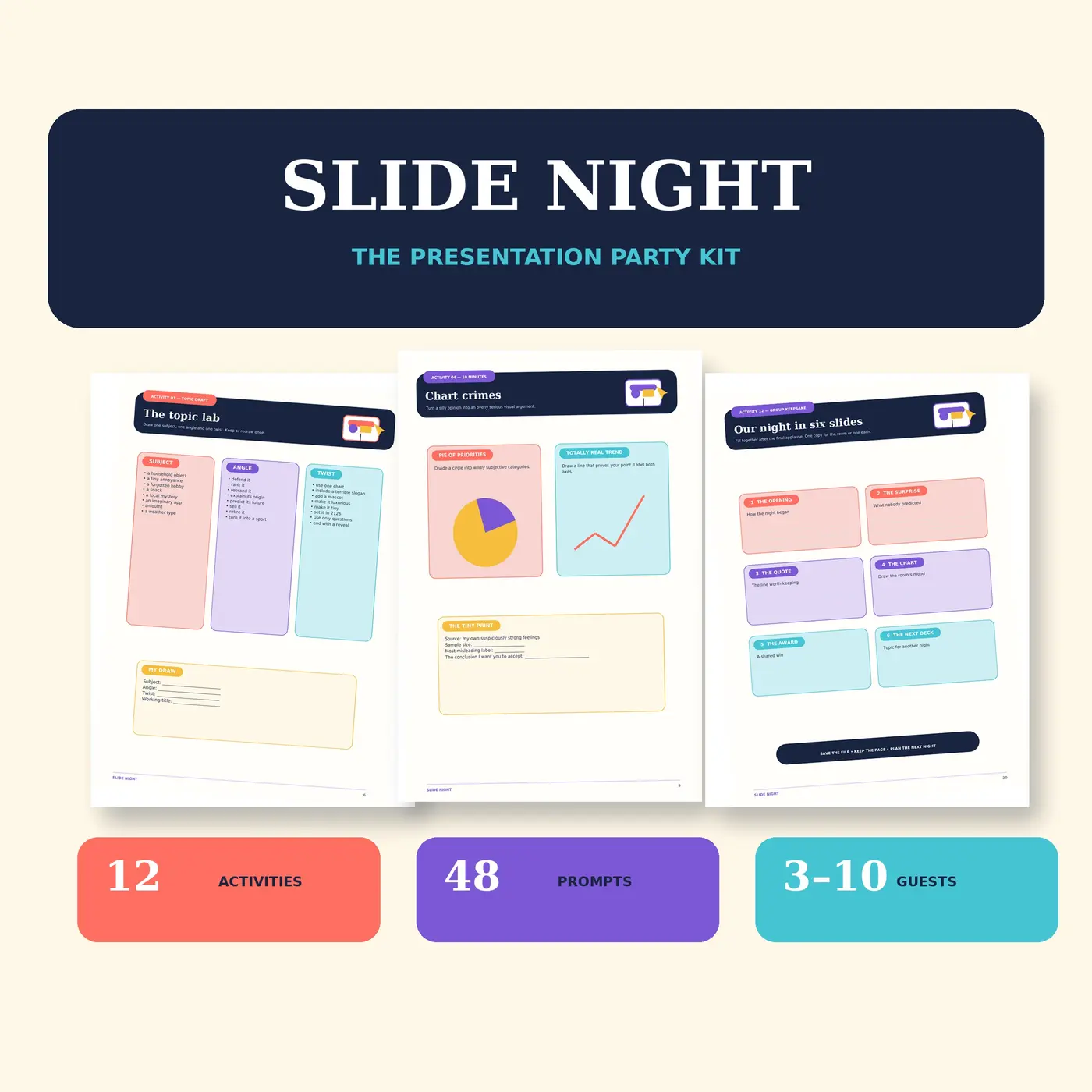
The format works when everybody understands three things before they begin: what kind of material is welcome, how long each turn lasts and whether preparing a deck is optional. This guide gives a complete plan for 3–10 guests. Plain presentation software and a timer are enough; Slide Night Presentation Party Games adds 45, 90 and 120-minute host routes, 12 activities, 48 prompts, audience bingo, fair voting, six awards and printable paper-slide frames.
Choose the version of the night before choosing topics
There are two good formats. In an advance-deck night, guests arrive with a short presentation already made. This gives people time to find photographs, arrange a story and practise a particularly unnecessary chart. In a quick-build night, the host reveals prompts and everyone gets a short preparation window. The second version is more spontaneous, but it needs simple topics and a firm finishing time.
A mixed format is often the easiest: prepared decks for anyone who enjoys making them, plus quick prompts and paper frames for guests who do not. Passing must remain a normal option. Nobody should have to explain why they would rather watch, draw a paper slide or join the audience game.
Set kind-room rules before the first slide
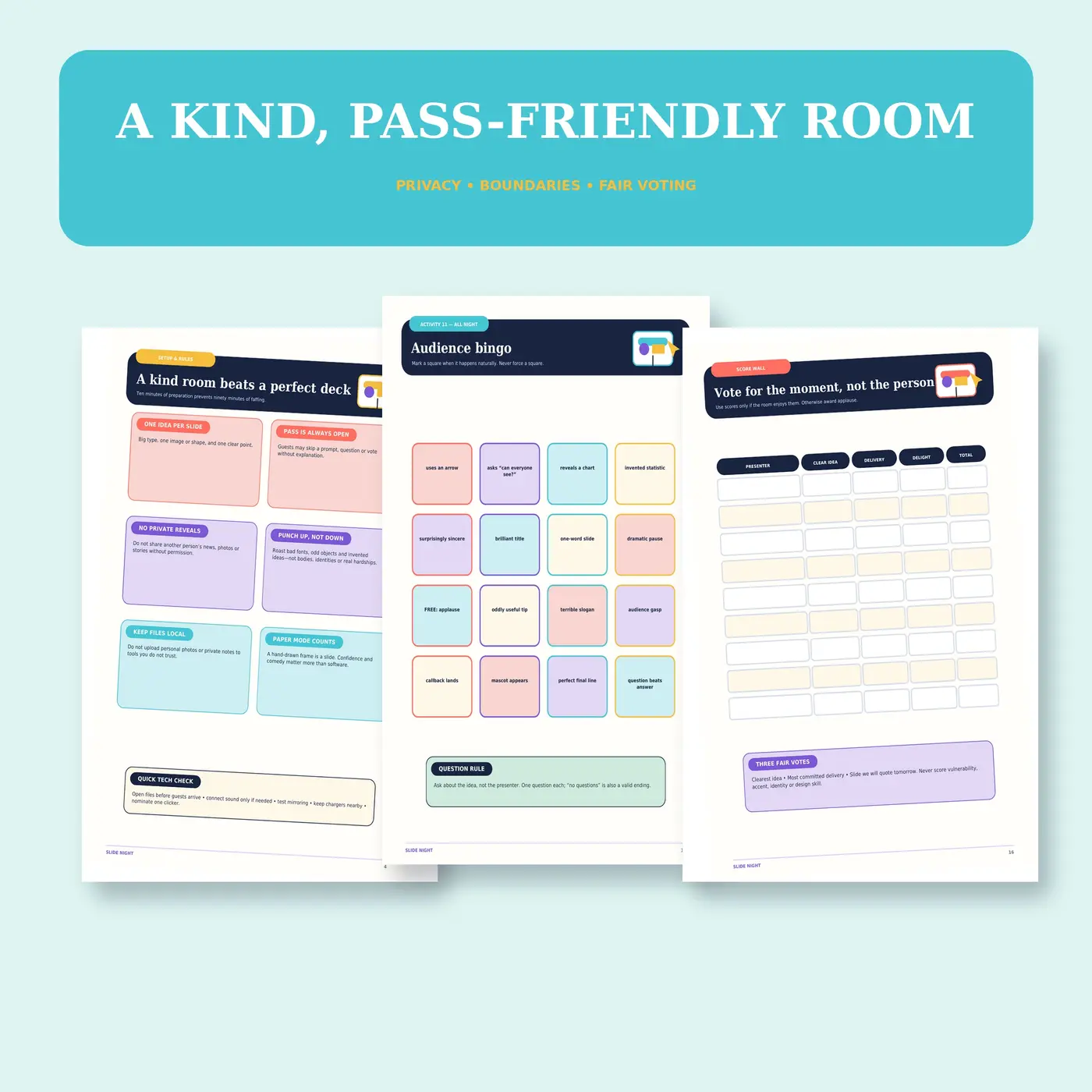
The best rule is simple: make the idea the joke, not the presenter or another guest. No private messages, photographs, medical details, relationship stories or workplace material should appear without clear permission. Keep files local rather than uploading personal photographs to unfamiliar services, and agree whether any part of the night may be photographed or recorded.
Add three practical permissions: anyone may pass on a prompt; the audience may ask about the idea but not interrogate the person; applause is the default response. A friendly room is more valuable than a flawless deck. It also produces bolder contributions because guests are not spending half their preparation time calculating how a slide might be received.
Give every deck one clear shape
Limit each presentation to one idea, three to six slides and roughly three minutes. The precise number matters less than the shared limit. A useful structure is title, evidence, escalation and conclusion: name the subject, show two or three examples, reveal the strongest or strangest point, then finish. A deck about the best supermarket trolley can have a beginning, middle and end without becoming a doctoral thesis on wheel alignment.
Good prompts invite a point of view rather than demanding specialist knowledge. Try an unnecessary origin story for an everyday object, a ranking with one defensible rule, a before-and-after proposal, an explanation delivered far too seriously or three slides that attempt to solve a tiny inconvenience. Avoid topics that depend on embarrassing someone in the room.
Make the slides easy to see and easy to follow
Large text, strong contrast and one main point per slide help everyone in the room, especially when the screen is smaller than expected. Read aloud any words, numbers or labels that matter. Do not use colour alone to distinguish choices, and describe an image when its detail is essential to the joke or argument.
Microsoft's current PowerPoint accessibility guidance recommends unique slide titles, meaningful reading order, alt text for important visuals, sufficient contrast and the built-in Accessibility Checker. The US Government's accessible-presentation resources add authoring and testing guidance. A party deck need not resemble a compliance seminar, but these habits make it more legible and much easier to share afterwards.
Use a running order with breathing room
For a 45-minute night, allow five minutes for rules and setup, about 25 minutes for short presentations, five minutes for an audience game, five minutes for voting or awards and five minutes of spare time. A 90-minute version can use two presentation rounds with a proper break between them. The longer 120-minute format suits a larger group, but only if the programme still contains pauses and each person gets a fair turn.
Do not repair an overrun by quietly removing the break. Scope's accessible-event planning guidance notes that unrealistic agendas cause delays and that shortening breaks can create access problems. Put a visible timer where the presenter can see it, give a gentle one-minute signal and let unfinished decks end on their strongest available slide.
Test the room, not only the file
Open every prepared file before guests arrive, test the screen or projector, keep chargers nearby and nominate one person to operate the controls. Use sound only when the presentation genuinely needs it. A video that refuses to play can be skipped; five people investigating an HDMI menu while the sixth reads online troubleshooting advice is a different sort of group activity.
Keep a screen-free route ready. One hand-drawn frame can count as one slide, and the presenter can hold up a short sequence while speaking. This is useful when the technology fails, when a guest prefers paper or when the chosen topic improves considerably after being illustrated with a felt-tip pen.
Give the audience a job between presentations
Audience bingo turns recurring presentation habits into things to notice: a dramatic pause, an invented statistic, a brilliant title or a chart nobody expected. A score wall can work too, provided it rewards features of the moment rather than ranking friends. Categories such as clearest idea, most committed delivery or slide everyone will quote tomorrow are kinder and more specific than a single best-presenter total.
Ask one question after each turn, and allow 'no questions' as a complete ending. If a tie needs breaking, use a quick creative task rather than another personal vote. The point is to keep attention moving around the room, not to discover which guest has accidentally recreated an annual appraisal.
End with a record everyone helped make
Finish with awards while the details are fresh, then record six shared moments: the opening, the surprise, the quote, the chart, an award and a possible topic for next time. Slide Night includes an Our Night in Six Slides page for this purpose, but six boxes on ordinary paper work perfectly well. Save only material the group is comfortable keeping.
For another low-pressure gathering in which conversation remains the main event, see Dinner-party games for people who would rather keep talking. A PowerPoint night has more visible machinery, but the same principle applies: structure should help people join in, then get out of the way.
PowerPoint night checklist
- Choose advance decks, quick-build prompts or a mixed format.
- Invite 3–10 guests and state the time limit before anyone prepares.
- Keep presentations to one idea, three to six slides and roughly three minutes.
- Set privacy, kindness, passing and recording rules at the start.
- Ask presenters to use readable text, strong contrast and meaningful slide titles.
- Open files, test mirroring and sound, gather chargers and nominate one clicker.
- Keep paper-slide frames available as a screen-free alternative.
- Schedule a real break for longer routes and retain spare time.
- Vote for memorable ideas or moments, not the worth of the people presenting.
- Save a group keepsake only with everyone's agreement.
The evening does not need professional speakers or beautifully animated decks. It needs a clear limit, a kind room and subjects just small enough to reward disproportionate confidence. Once those are in place, even the local roundabout has a fighting chance at a memorable third act.
Explore Slide Night Presentation Party Games
More to read, make and discover
A few useful, interesting and checked routes into the subject.
- Official software accessibility guidanceMicrosoft Support: make PowerPoint presentations accessible
Practical guidance on slide titles, contrast, reading order, alt text, accessible fonts and the built-in Accessibility Checker.
- Government accessibility guidanceSection508.gov: accessible presentations
Current authoring and testing resources for accessible presentations, including logical reading order and template guidance.
- Inclusive event planningScope: planning an accessible event agenda
UK disability charity guidance on realistic running orders, speaker briefing, breaks and reading meaningful slide content aloud.